Building a Weather Forecast App with Python and Flask
Case Details
🌤️ Building a Weather Forecast App with Python and Flask
Project: Weather Forecast – Ai-Tracks Author: Patrick (Ren Fu He) Date: November 2025
🌦️ Introduction
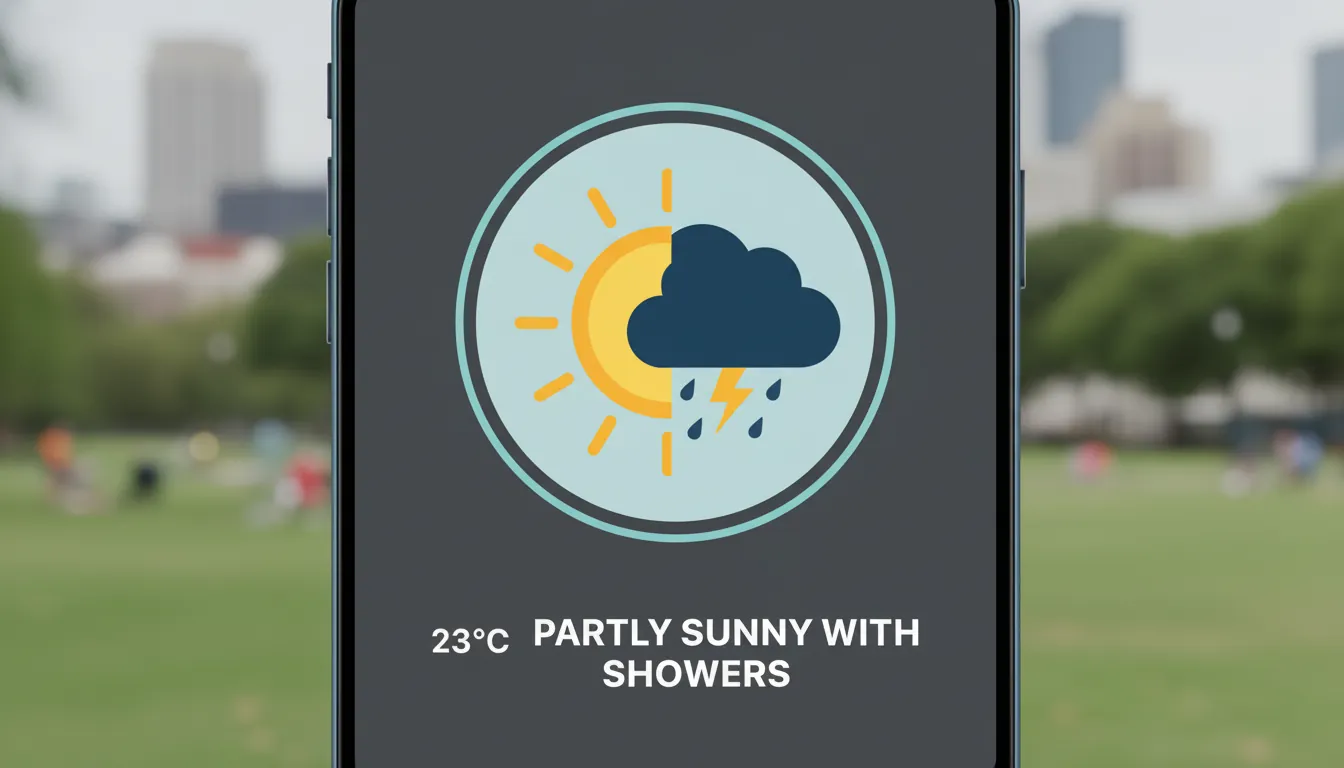
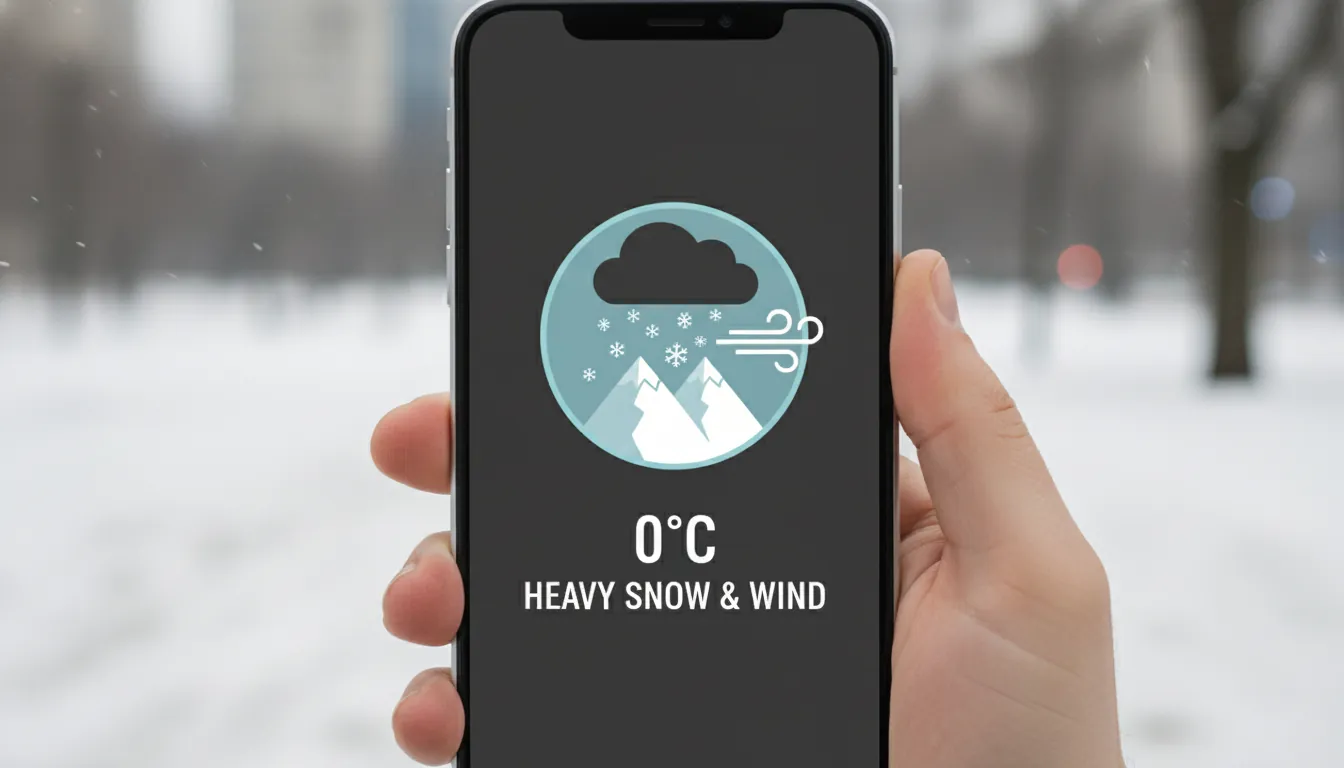
Weather affects our daily decisions — from what we wear to how we travel. At Ai-Tracks, I wanted to create a simple yet powerful web app that provides real-time weather forecasts for cities across Taiwan.
The result is weather-forecast.ai-tracks.com — a lightweight, responsive, and API-driven weather platform built entirely with Python and Flask, powered by the Central Weather Administration (CWA) open data API.
This also marks my very first personal project under the Ai-Tracks brand — a milestone representing the start of my journey in creating meaningful, data-driven, and developer-oriented web applications.
🧩 Tech Stack Overview
This project was designed to be clean, fast, and educational — ideal for developers who want to explore real-world API integration using Flask.
🐍 Python
The core logic is written in Python, taking advantage of its readability and mature ecosystem for HTTP requests and data processing.
☕ Flask
Flask serves as the web framework — lightweight yet powerful. It manages routing, template rendering, and simple backend logic without unnecessary complexity.
🌤️ CWA Open Data API
The app consumes weather data from the Central Weather Administration (氣象局) via its REST API, providing forecasts for all major cities and counties in Taiwan.
💅 Frontend
HTML + CSS + JavaScript were used to make the interface RWD-friendly (responsive web design). Users can easily select a city and instantly view updated forecast information.
🧠 How It Works
Here’s a simple breakdown of the flow:
[User] → Selects a City → [Flask Server] → Calls CWA API → Returns JSON → Renders Results
Behind the scenes, the Flask backend fetches live data using Python’s requests library, processes the JSON response, and dynamically injects the results into the template for display.
Example pseudo-code:
import requests
from flask import Flask, render_template, request

app = Flask(__name__)

@app.route('/')
def index():
    city = request.args.get('city', 'Taipei')
    api_url = f"https://opendata.cwa.gov.tw/api/v1/rest/datastore/F-C0032-001?Authorization=YOUR_API_KEY"
    data = requests.get(api_url).json()
    forecasts = parse_forecast(data, city)
    return render_template('index.html', city=city, forecasts=forecasts)
⚡ Key Features
- Real-time weather updates powered by open data
- Fast and minimal Flask backend
- Mobile-responsive interface for a smooth experience on all devices
- Clean and modular codebase that’s easy to maintain and extend
- First project milestone under Ai-Tracks — a foundation for future development
🧭 Challenges and Insights
Integrating with the CWA API was straightforward, but handling regional data formats and Chinese localization required extra care. Caching was also added to reduce unnecessary API calls, ensuring faster responses.
Through this project, I confirmed how effective Flask can be for microservice-style applications — fast to build, easy to deploy, and incredibly flexible.
🔮 Future Improvements
- Adding 7-day extended forecasts
- Integrating AI-based weather summarization (e.g., generating natural-language summaries)
- Building a Flutter companion app for mobile users
💬 Final Thoughts
This project is more than just a weather app — it’s a hands-on example of how Python + Flask + Open Data can deliver practical, elegant solutions. It’s also my first completed web project, which laid the foundation for the Ai-Tracks ecosystem and inspired me to continue exploring AI-integrated applications.
Feel free to visit the live site: weather-forecast.ai-tracks.com 🌦️
If you’re a developer or just curious about web tech, check out the code and share your thoughts. Collaboration and curiosity are the best forecast for innovation. ☀️
Project Information
- Python
- Published: 2025-11-02
- 145 views
- Visit Website